

HeimdallDownload

Mac app · Claude Code and Codex · Close to release

Every agent session, in sight.

Run five agents and one of them is always waiting for you. Heimdall watches every Claude Code and Codex session on your Mac, groups them by project, and tells you the moment one needs you.

App
macOS
Watches
Claude Code, Codex
Runs
On your Mac
Account
None
The Heimdall capsule: the shop project waits for you to allow a psql commandThe Heimdall capsule in light mode
The capsuleAlways on top, when one needs you

01 · The deck

Every session, by project.

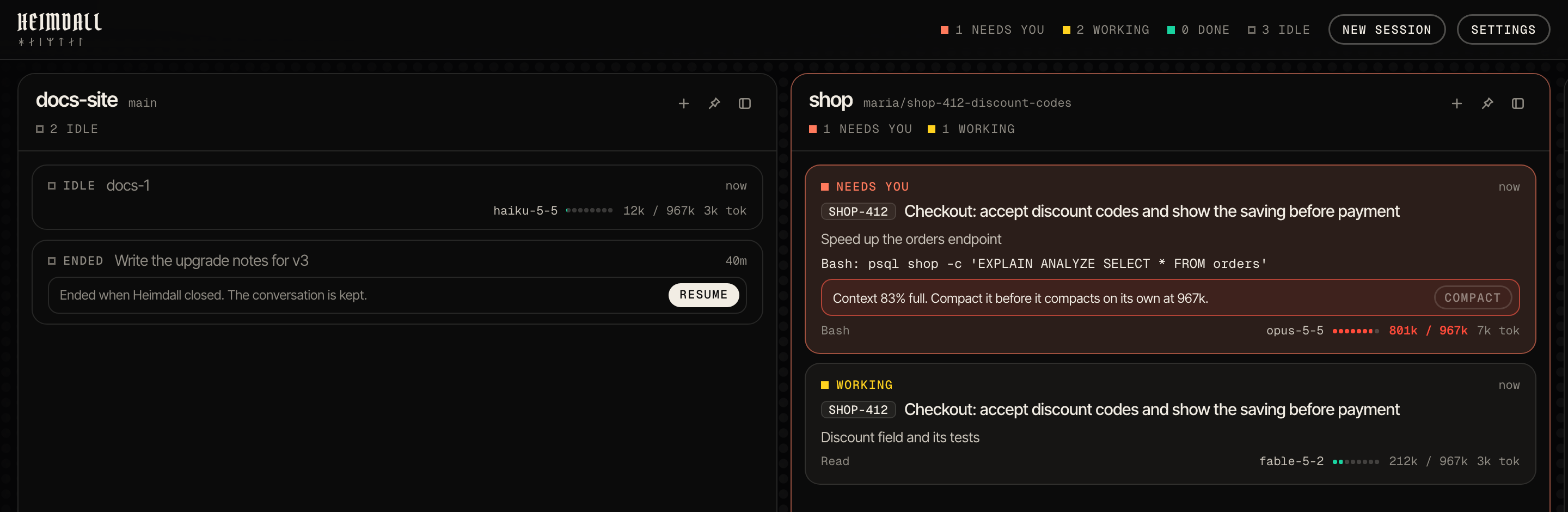
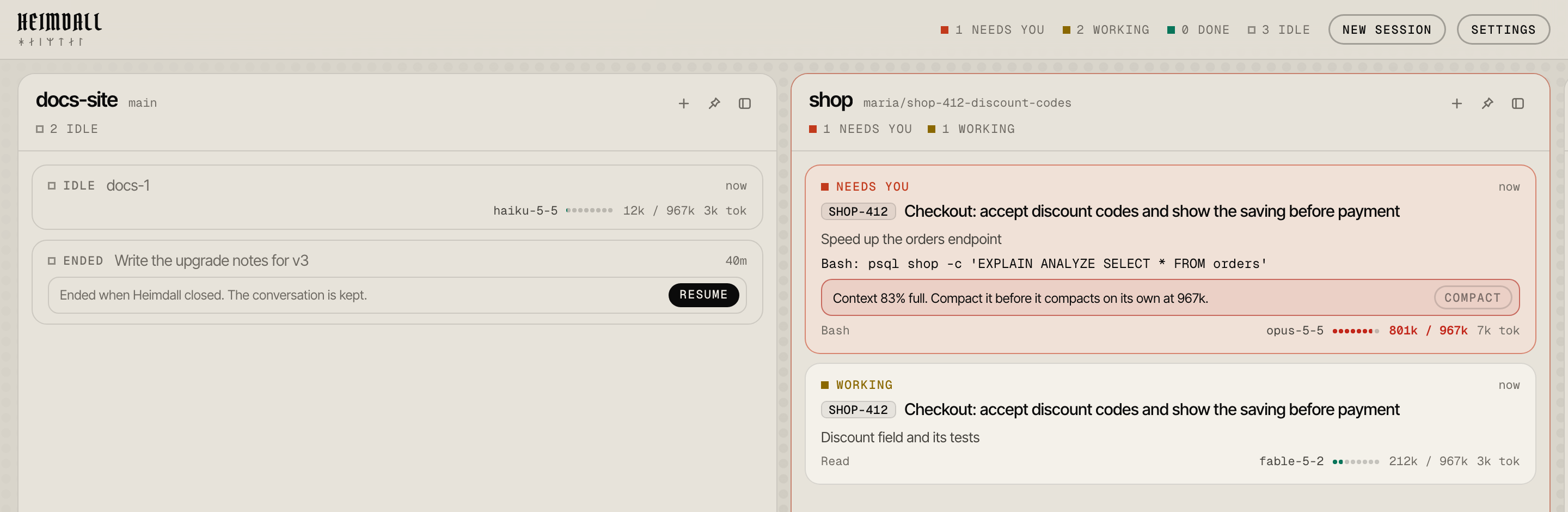
A column for each project, a card for each session: its issue, what it is for, what it does now and how full its context is. Cards keep their place; the one that needs you comes first.

The Heimdall deck in dark mode: docs-site with two idle sessions, shop with one session waiting for you and one working
Needs you
Always first, in the signal colour, with what it waits for: the command, the question.
Working
What each session is doing now, the tool it runs and how full its context is.
Done
Its last answer stays on the card until you have read it.
Idle
Quiet, out of the way, and kept between runs.

02 · The capsule

When one needs you, it says who.

A pill floats over every window: which project asks, and for what. One click takes you to that session's terminal, wherever it runs.

The capsule on a dark desktop
The capsule on a light desktop

03 · Focus

One session, the whole window.

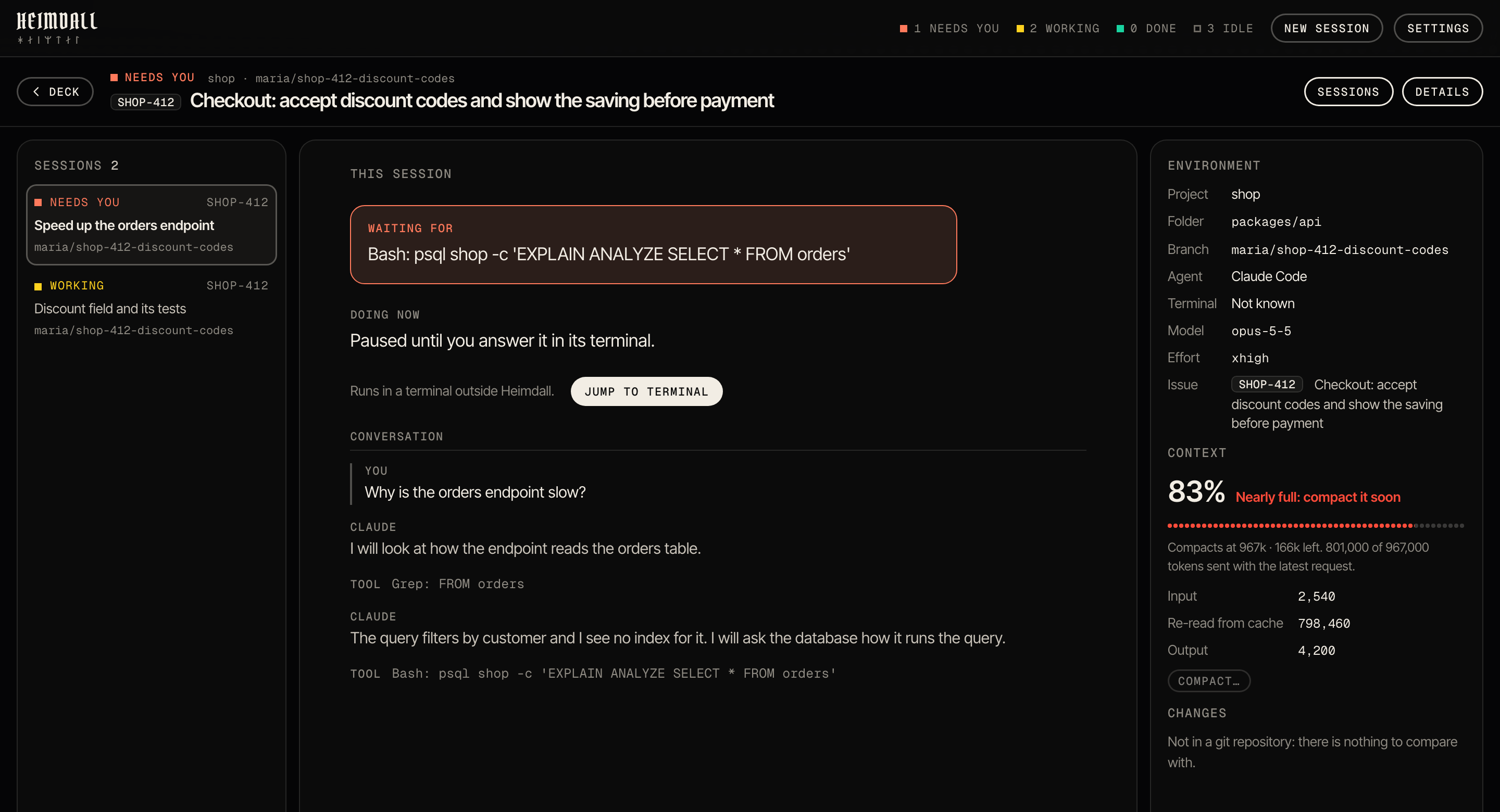
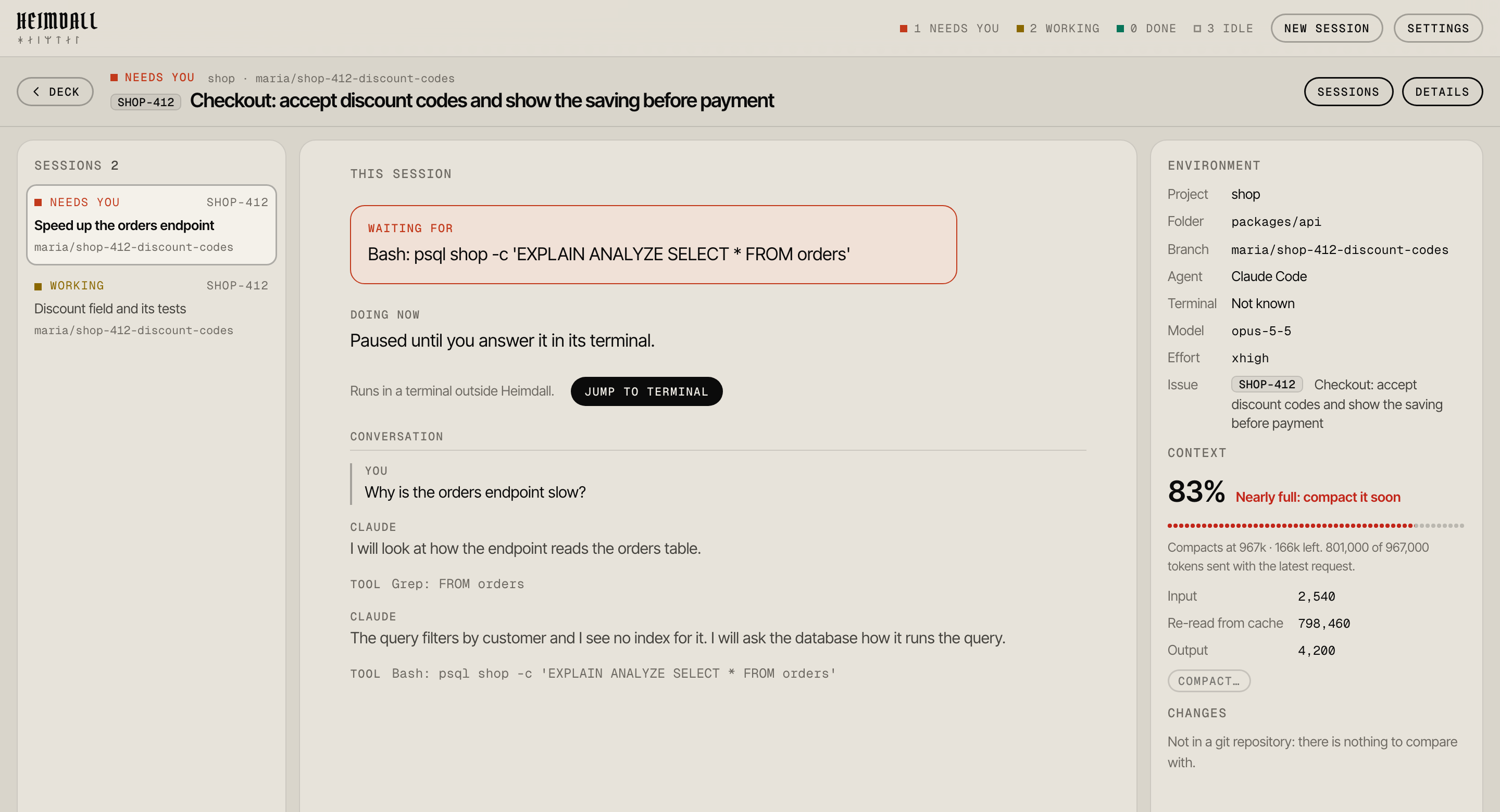
What it waits for, what it is doing, what was said, and where it runs: its branch, its model, its context, the files it changed. The project's other sessions are one click away.

The focus view in dark mode: a session waiting for a psql command, its conversation, and its environment and context

04 · Agents

Whatever runs them.

Heimdall watches the agents, not the terminal. Each card says which one runs it and where.

  • Claude CodeAny terminal: iTerm2, Terminal, Cursor, VS Code, or one inside Heimdall
  • CodexIts own terminal or its app server, through its hooks
  • Claude desktopSessions of the desktop app's Code tab, in a column of their own
  • T3 CodeClaude threads of T3 Code, opened back in T3 Code on a click
  • ShellA terminal of your own in a card, for whatever you run in it

How it works

  1. 01A small hook in Claude Code and Codex reports each session's status to Heimdall, on your Mac only.
  2. 02Heimdall reads each session's transcript for its model, its context and what it last said. Nothing is uploaded.
  3. 03One click jumps to the session's terminal, or opens it in the app it runs in.
  4. 04Start, work in and end sessions in Heimdall itself, or move one here from another terminal.

Keep watch over every agent.

Download for macOSUniversal: Apple silicon and Intel